We help creative foodies (like you!) take the guesswork out of building a food blog to share your passion and earn money doing what you love. Join the over 11,000 subscribers on our newsletter to get actionable tips and strategies delivered to your inbox each week! 📫
Choosing a WordPress Recipe Plugin in 2026 –– New from Food Blogger Pro!
|
We're excited to send new Food Blogger Pro blog posts to you via email! We'll share our latest and greatest blog posts with you where we'll talk about tips and strategies for growing your audience, creating great food content, and monetizing your blog, as well as updates on new courses available for Food Blogger Pro members! Choosing a WordPress Recipe Plugin in 2026Published on June 25, 2026 One of the most important plugins for a food blogger is a recipe plugin. Recipes are at the core of most food blogs, so as a food blogger, you’ll want to make sure you’re publishing your recipes in a way that’s helpful for your readers and for search engines to understand. 🤓 A good recipe plugin will do both, and the landscape has shifted enough since we first wrote about this that it’s worth a fresh look! Ready to dive into the wonderful world of recipe plugins? Let’s do it! 💪
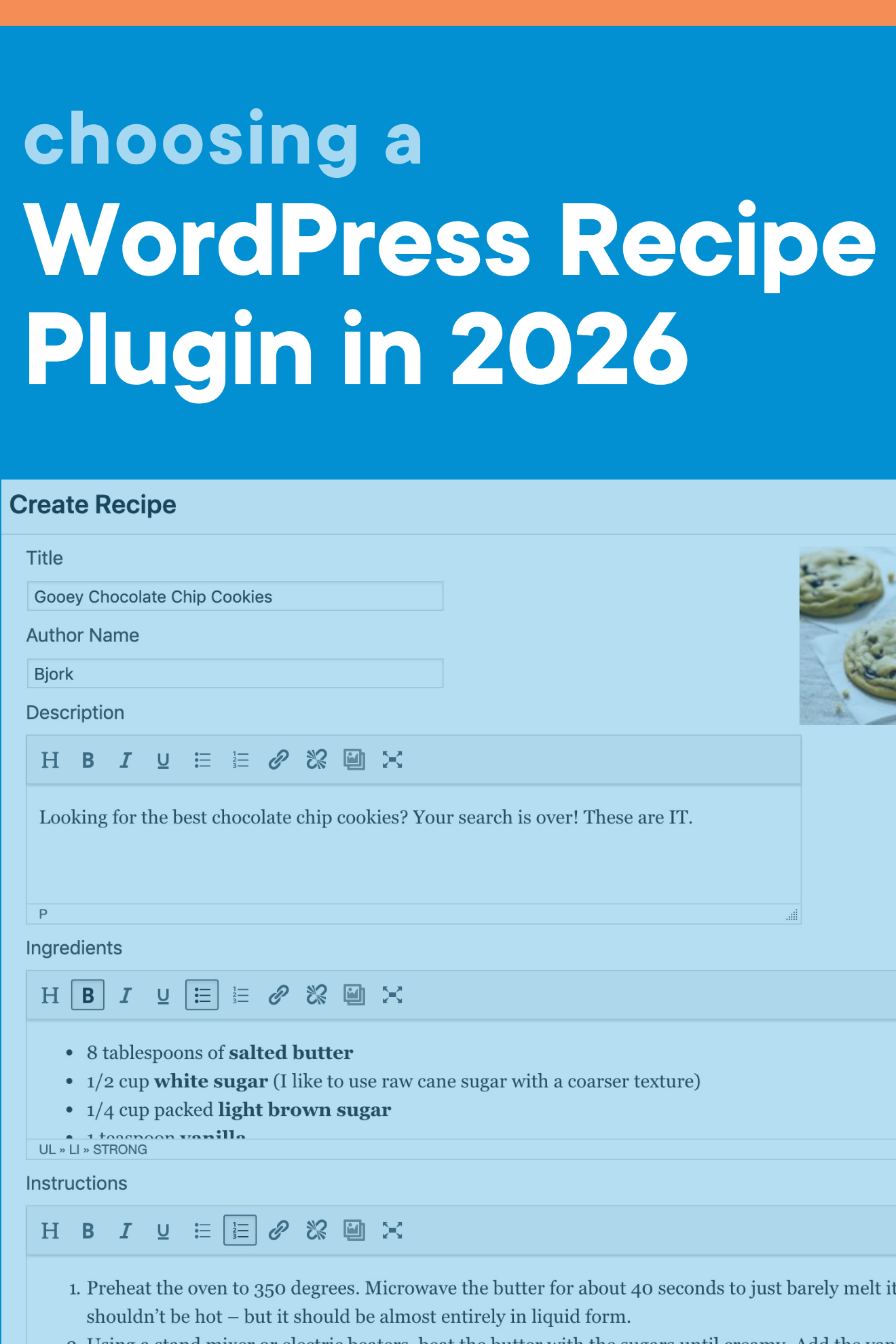
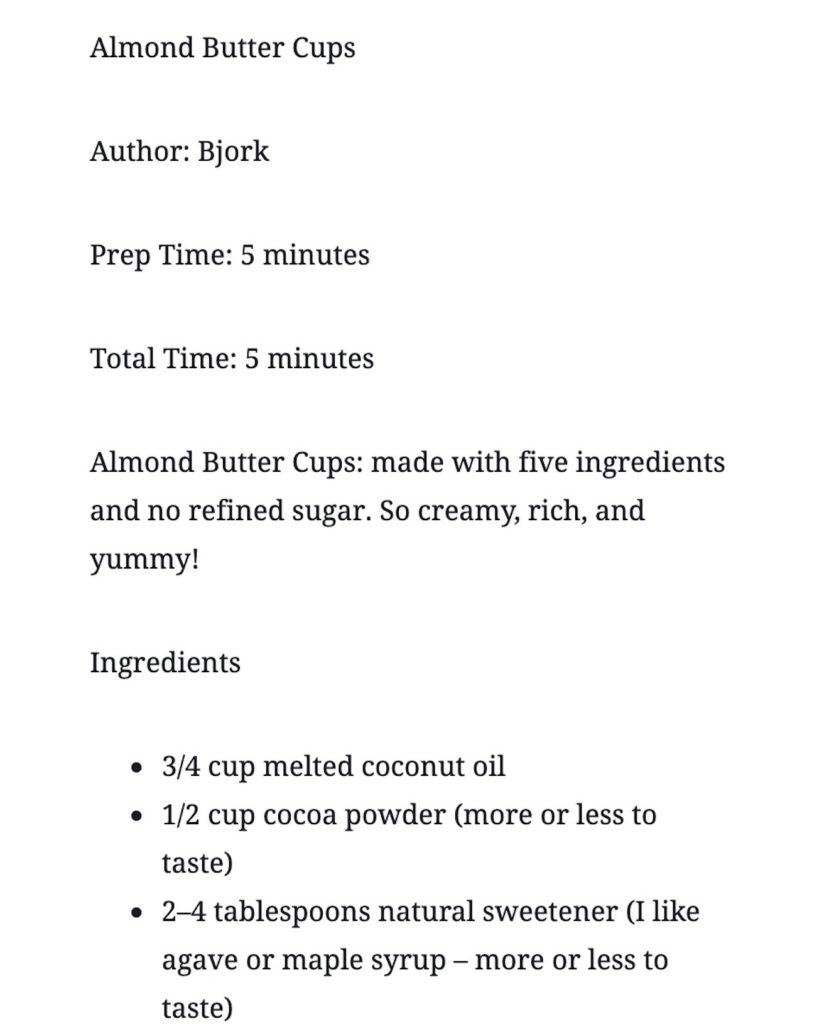
What’s a recipe plugin?Before we talk about all of the different recipe plugins and the benefits they offer, it helps to know what plugins are in general. 🔌 At its core, a plugin gives additional capabilities to your WordPress site. Think of it like an app on your phone: on its own, your phone can’t teach you a language, but downloading a language-learning app can. There are thousands of plugins available for WordPress, and recipe plugins make up a small but mighty corner of that ecosystem. Recipe plugins come in two forms: free and premium. Free sounds appealing on the surface, but premium plugins often come with dedicated support and a more consistent development schedule, both of which matter more than people expect once Google changes a recipe-result requirement overnight (and we know all too well how often that happens!). 😬 Why do I need a recipe plugin?The extra capabilities a recipe plugin adds matter for two audiences: your readers and search engines. Recipe plugin benefits for your readers 🙌Compare typing a recipe directly into the block editor versus using a dedicated recipe card: ingredient lists that don’t wrap awkwardly, instructions that are automatically numbered, and a clean visual that’s actually easy to cook from. A recipe plugin gives you that polished result with zero coding experience required.
Beyond the surface, recipe plugins typically let readers print, pin, and save a recipe, scale ingredients up or down, switch between metric and imperial units, and check off ingredients as they go. Newer plugins are also adding “cook mode” or “interactive mode” features that keep a phone screen awake and hands-free while cooking, both of which are genuinely useful, not just a gimmick in a mobile-first world! Recipe plugin benefits for search engines 🤖Believe it or not, even in the world of AI overviews, search is still one of the most important ways people find your recipes. A well-built recipe plugin takes your ingredients, instructions, and other recipe details and marks them up in a format search engines and AI crawlers can read, understand, and display. Again, all of this can be done without writing a single line of code! Music to my ears. That markup is what produces rich snippets in Google (see below!) and Rich Pins on Pinterest. Both can meaningfully boost your click-through rate, which in turn can help your search ranking. 📈
How can I choose the best recipe plugin?Okay, so we’ve talked what a recipe plugin is, and why they’re awesome for your readers and search engines. Now, let’s talk about what to check before you commit to a recipe plugin in 2026:
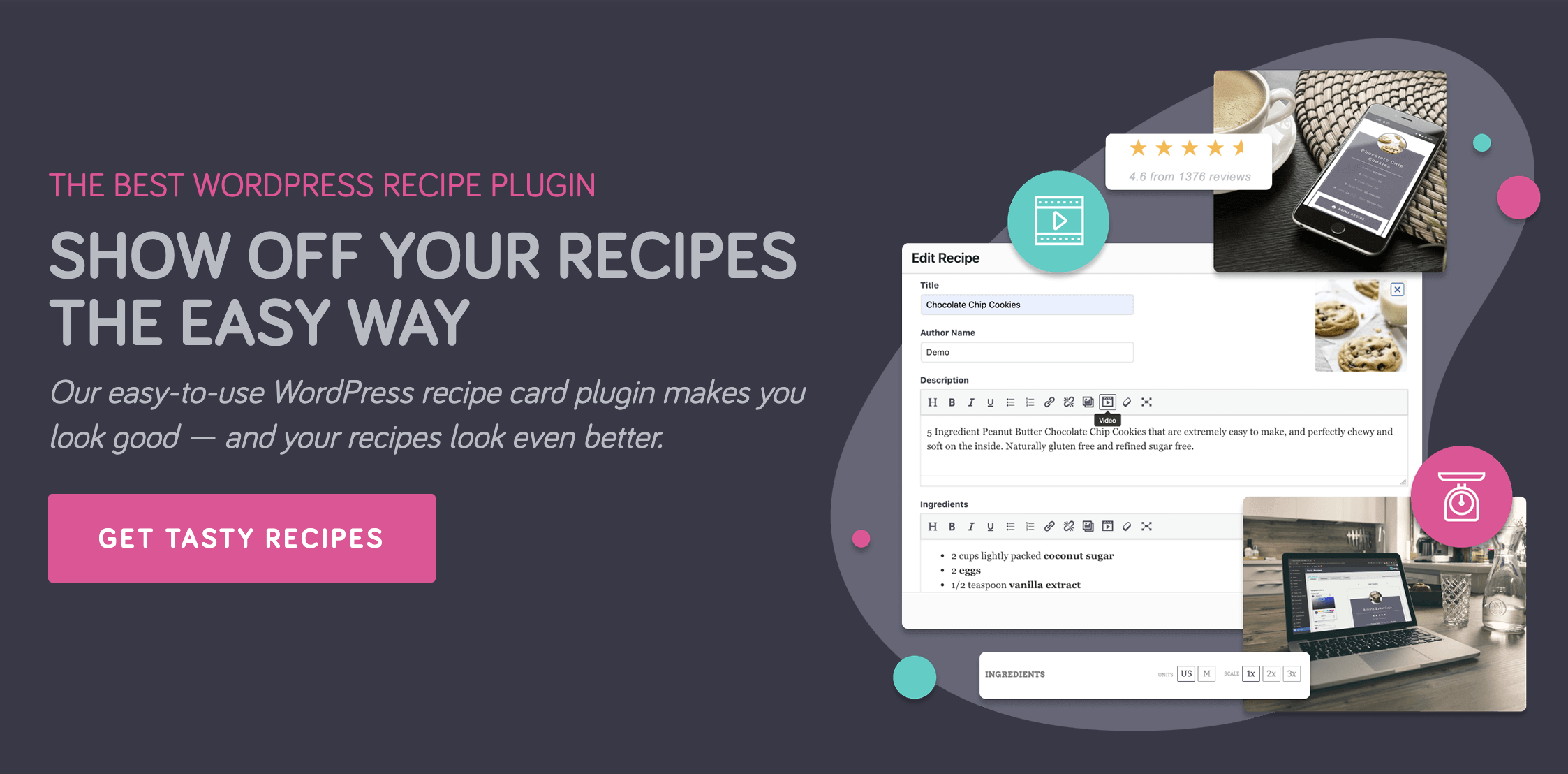
The best WordPress recipe pluginsThere are more recipe plugins on the market now than there were when we first covered this topic, but the following options consistently come out on top for food bloggers who care about both reader experience and SEO. Tasty RecipesTasty Recipes is built by the team at WP Tasty and remains one of the most widely used recipe plugins among established food bloggers, including Pinch of Yum! It checks every box from the criteria above: JSON-LD structured data, active development, six recipe card themes that adapt to your site’s existing styles, and unlimited support from the WP Tasty team. Pricing starts at $49/year, with a 14-day money-back guarantee if it’s not the right fit. A free version, Tasty Recipes Lite, is also available in the WordPress plugin directory with three templates and built-in schema.
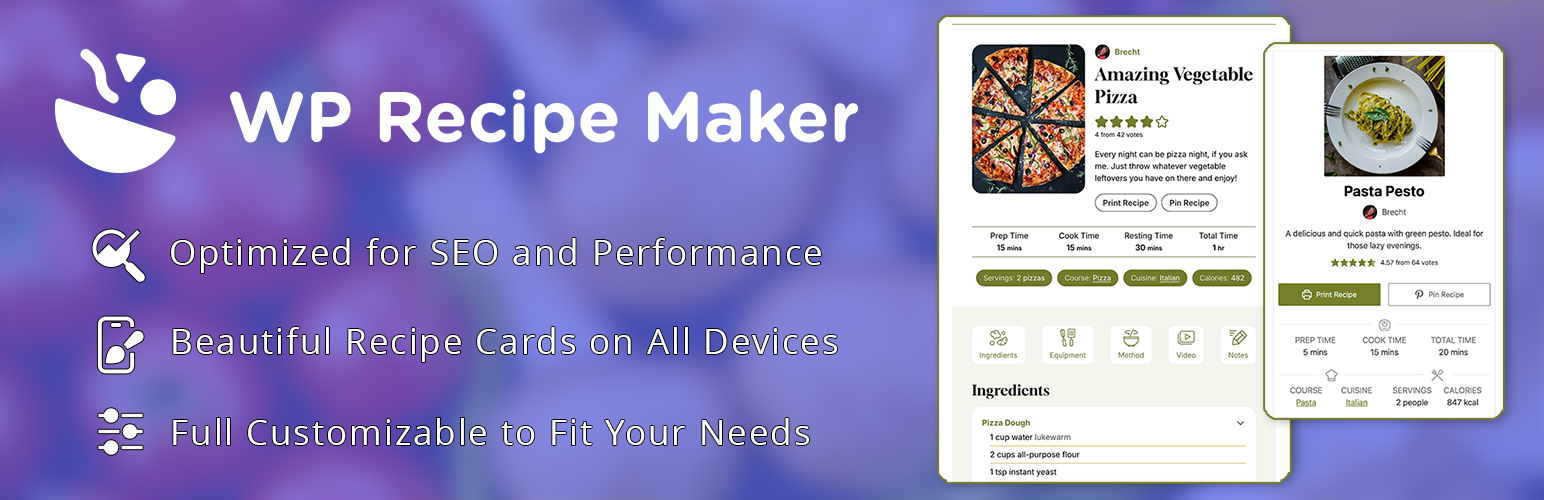
Features you’ll love: recipe scaling, hands-free Cook Mode, ingredient unit conversion (US/metric), step-by-step video integration, Nutrifox nutrition integration, ingredient checkboxes, jump-to-recipe and print buttons, Instacart shopping integration. In case you didn’t know, Tasty Recipes is a plugin under a company that our parent company, TinyBit, started! WP Tasty is now owned by another company, Strategy 11 (more on that here). Check out Tasty Recipes here → WP Recipe MakerWP Recipe Maker, from Bootstrapped Ventures, remains our favorite free recipe plugin. It’s used on 50,000+ active sites, holds a 4.9-star average across hundreds of reviews, and is updated frequently. Recent releases have added things like rating-based display conditions and improved compatibility with newer page builders! The free version covers the schema essentials (Recipe and How-To JSON-LD, Pinterest Rich Pins compatibility, AMP support, full Gutenberg and Classic Editor compatibility). The premium add-on layers on adjustable servings, a nutrition label, user ratings, a built-in kitchen timer, and recipe collections.
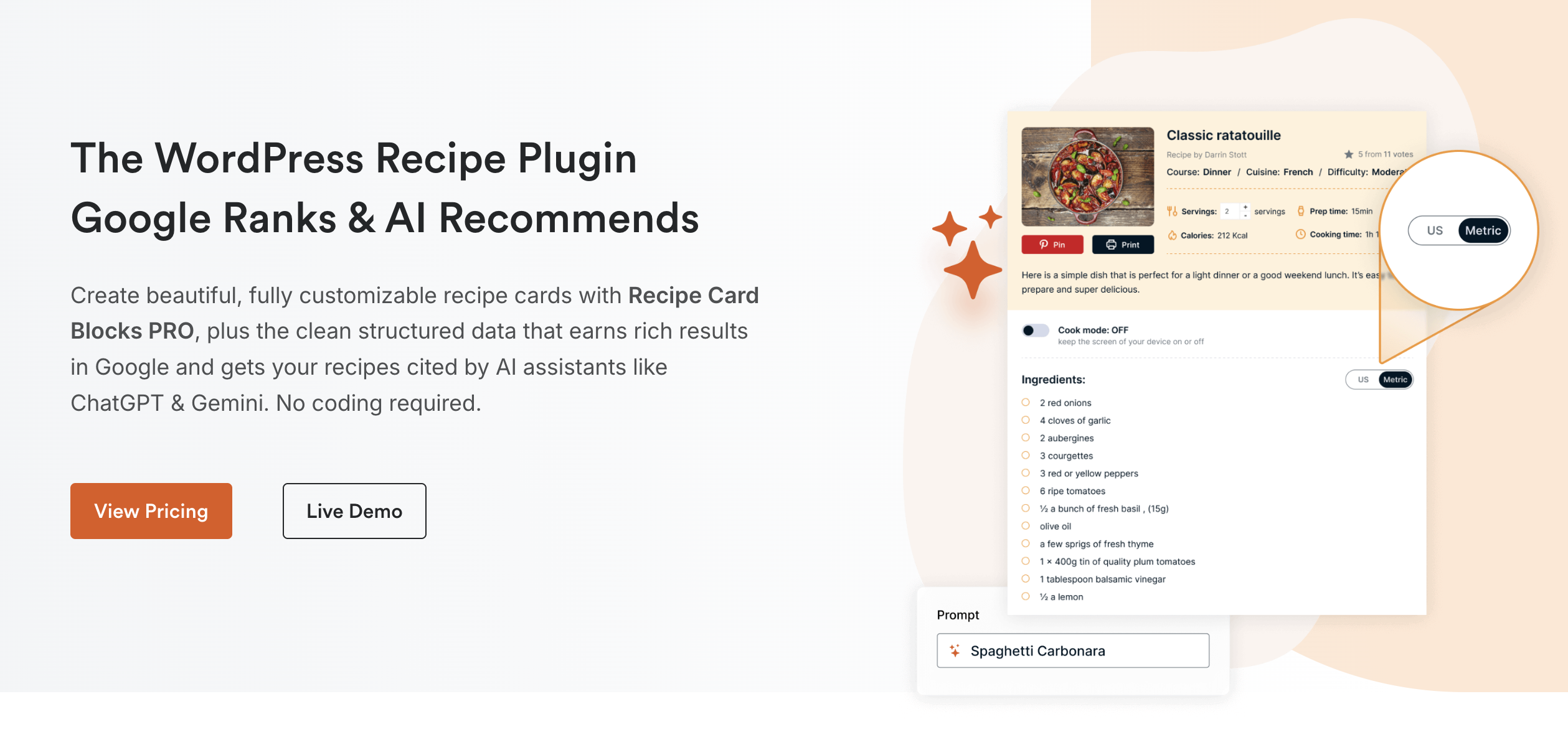
Features you’ll love: an Elementor block plus shortcode support for other page builders, shoppable ingredients (Instacart, Walmart, Chicory), automatic recipe roundup/ItemList metadata, RTL language support, and import tools for nearly every other recipe plugin on the market if you’re switching over. Check out WP Recipe Maker here → Recipe Card Blocks by WPZOOMRecipe Card Blocks is the newest addition to this list and one worth knowing about. Built by WPZOOM (the team behind the popular Foodica and Cookely food blog themes), it’s used on 20,000+ websites and holds a 5-star average on the WordPress plugin repository. What sets it apart is its inline editing workflow: instead of clicking a button that opens a separate popup window (the approach most other plugins use), you type your ingredients, instructions, and notes directly inside the block editor. For bloggers who live in Gutenberg, it’s a noticeably faster way to work. The plugin also leans into AI more than its competitors; there’s a built-in AI Recipe Generator that can draft a complete recipe, including ingredients, steps, and a featured image, from a simple text prompt. Pricing starts at $59/year for the PRO version. A free version (Recipe Card Blocks Lite) is available in the WordPress plugin repository.
Features you’ll love: inline Gutenberg editing, AI Recipe Generator, built-in Recipe Index block, WooCommerce integration for shoppable ingredient lists, unit conversion (US/metric), automatic USDA-based nutrition calculation, recipe roundups with ItemList schema, Elementor widget support, 6 card styles. Check out Recipe Card Blocks here → We’d love to hear from you: What recipe plugin do you use? Do you like it? What’s your favorite feature? Drop your thoughts in the comments below! P.S. If you’re a Food Blogger Pro member, be sure to check out our Understanding Recipe Plugins course! It’s a deep-dive into Recipe SEO, how to test your blog’s structured data, recipe search results, and more to help you get the most out of your recipes. 🎉 This blog post, Choosing a WordPress Recipe Plugin in 2026, originally appeared on Food Blogger Pro. |

Food Blogger Pro
We help creative foodies (like you!) take the guesswork out of building a food blog to share your passion and earn money doing what you love. Join the over 11,000 subscribers on our newsletter to get actionable tips and strategies delivered to your inbox each week! 📫
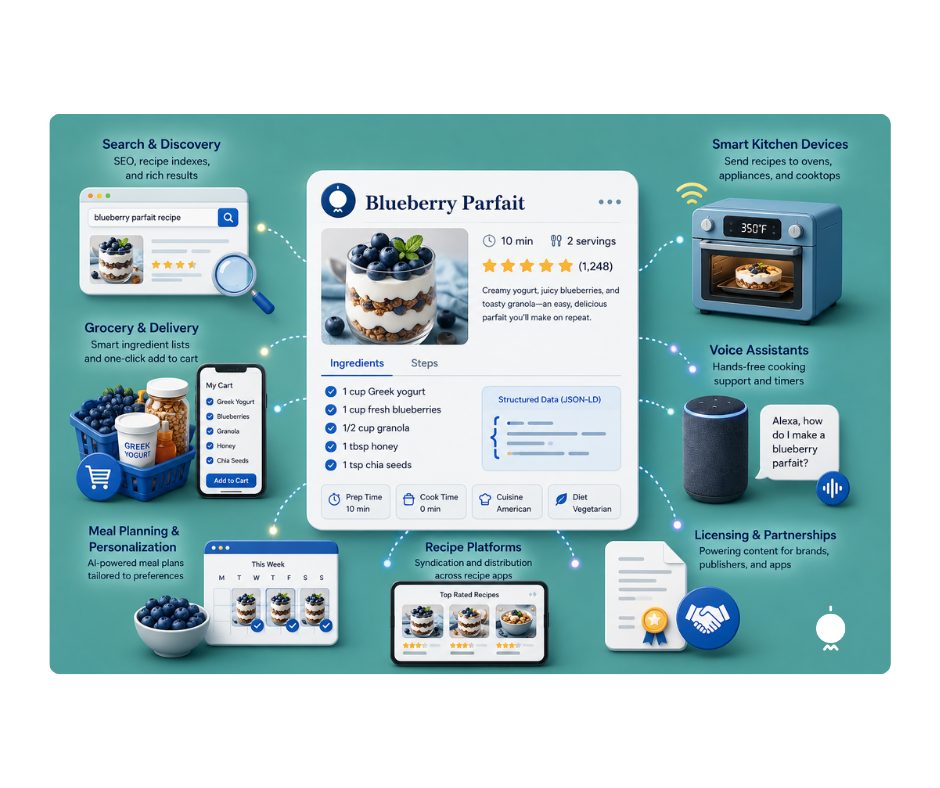
We're excited to send new Food Blogger Pro blog posts to you via email! We'll share our latest and greatest blog posts with you where we'll talk about tips and strategies for growing your audience, creating great food content, and monetizing your blog, as well as updates on new courses available for Food Blogger Pro members! How Food Bloggers Can Turn Recipe Libraries Into Tech Partnerships Published on July 23, 2026 This is a guest post by Sandie Markle.Sandie Markle is the founder of...
This episode is sponsored by Raptive. Welcome to episode 580 of The Food Blogger Pro Podcast! This week on the podcast, Bjork interviews Sam Vander Wielen. This episode digs into the gap between the idea of entrepreneurship and what it actually takes to build a business. Sam shares how she was first drawn to food blogging and online business because they felt like a path to freedom, only to realize she was in love with the outcome, not the daily work required to get there. That realization...
This episode is sponsored by Yoast. Welcome to episode 579 of The Food Blogger Pro Podcast! This week on the podcast, Bjork interviews Casey Markee from Media Wyse. If you’ve been feeling like search and traffic have gotten harder to figure out lately — you’re not imagining it. The rules are genuinely changing, and they’re changing fast. In this episode, Casey breaks down the biggest shift happening in search right now — the move away from the traditional “10 blue links” model toward a...